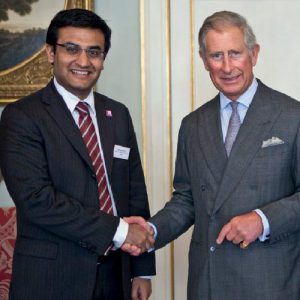
 Abellon won the Ashden Award, considered the "Green Oscars". HRH Prince Charles is the patron of the Award and met all the winners including Mr. Aditya Handa, MD & CEO of Abellon.
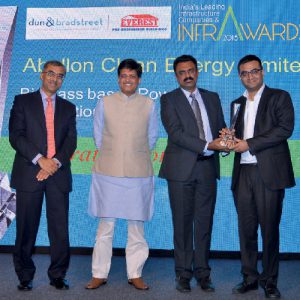 Abellon received the prestigious Dun & Bradstreet infrastructure award. Mr. Aditya Handa accepted the award. Shri Piyush Goyal, Hon. Minister of State for Power, Coal, New & Renewable Energy, Govt. of India, was the Chief Guest on the occasion.
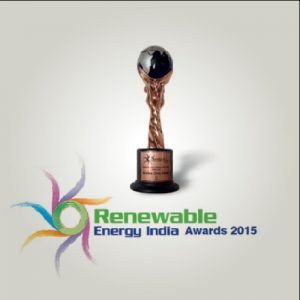 The Renewable Energy India awards honoured Abellon as "Leading Renewable Energy Manufacturer." The awards recognize milestone achievements and contributions in renewable energy.
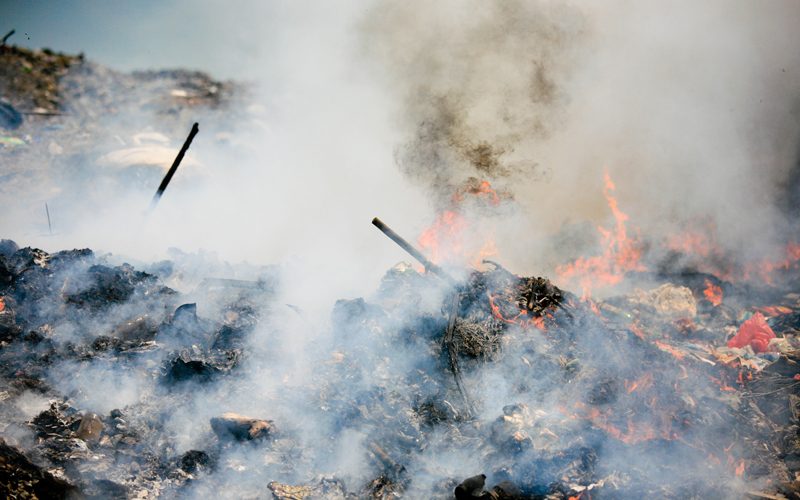
 Abellon received the Energy Globe Award in the Fire category for "Prevention of Agricultural Residue Burning for Environment Protection & Energy Generation - an innovative Biomass Collection Model."
 Abellon received the Dubai International Award for Best Practices in recognition of the sustainable practice of converting agricultural waste to renewable energy in India.
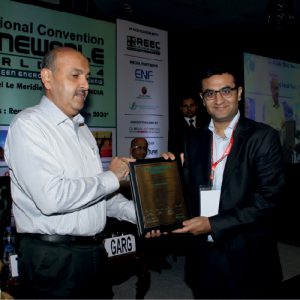 Mr. Aditya Handa was recognized as “Bio-energy Man of the Year” as part of the "Renewable World Awards. He received the recognition for his pioneering work in the bio-energy sector in India.
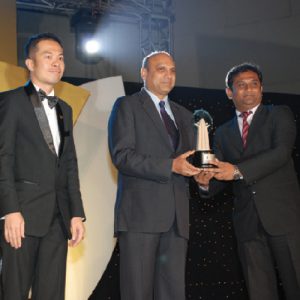 Abellon won the Asia Responsible Entrepreneurship Awards (AREA Awards) under the category of Green Leadership Awards.
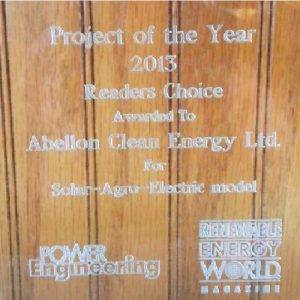 The innovative "Solar-Agro-Electric model" developed by Abellon was recognized as Project of the Year - Readers' Choice Award at the Power-Gen Convention, USA.
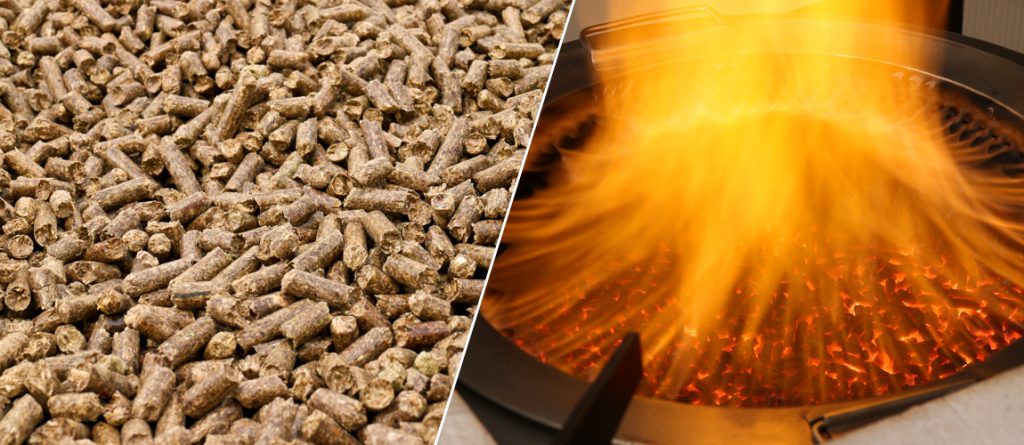
 Eco-chulha - the eco-friendly pellet based cookstove designed by Abellon won the prestigious "Golden Peacock Eco-innovation Award."

એબેલોન # ૪૬૮૧૯અસ્વીકરણ Download